How do I take a screenshot with Face ID?
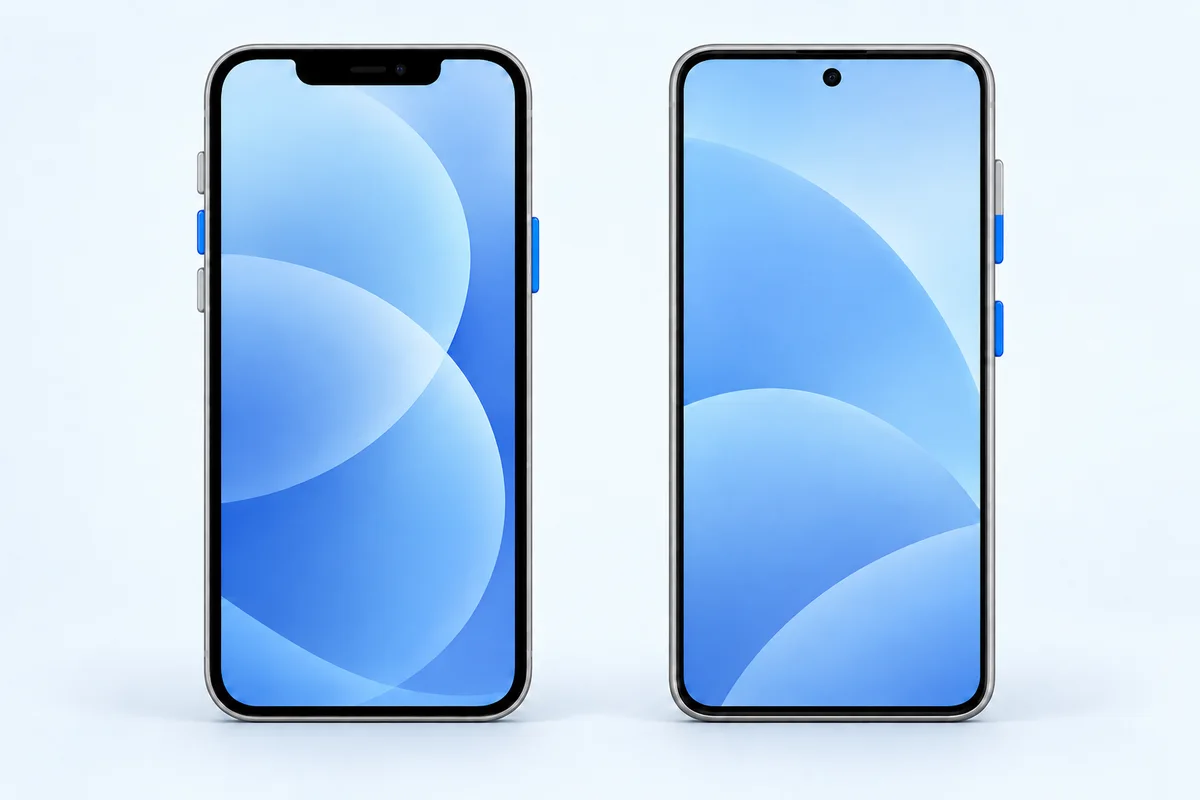
Press the side button and Volume up at the same time, then release both promptly. The side button is on the right edge; the volume buttons are on the left.
Find it: Photos; choose Save to Photos in the preview if prompted
How do I take a screenshot with a Home button?
Press Home together with the side button. On older models with a top button, use Top and Home instead. Release both quickly. Choose by the physical buttons, not just the phone name.
Find it: Photos; save from the preview if prompted
How do I take a screenshot without buttons?
Go to Settings → Accessibility → Touch → AssistiveTouch. Configure a custom action for Screenshot. Use that action when physical buttons are difficult to press together.
Find it: The same capture interface as a button screenshot
How do I capture a full page?
Take a screenshot on a supported page, open its preview or editing interface, and look for Full Page. Review the complete capture and choose a save destination. This option does not appear for every app or screen.
Find it: Photos or Files, depending on the available format
Which one is the Side / Sleep/Wake button?
Sleep/Wake is the older name for the button that locks and wakes your iPhone. On newer models it is the side button on the right edge; on older models it can be on the top edge. Home is the round button below the display. For Face ID, use Side and Volume up; for a Home-button model, use Side or Top and Home.
Where do I find my screenshots?
In Photos, look under Collections → Media Types → Screenshots. If you saved a full-page document to Files, look there instead. Open the saved item once before closing the original page so you know you kept the portion you needed.
Why does my screenshot preview look different?
iOS 26 shows a full-screen preview by default. Turn off Full-Screen Previews in Settings → General → Screen Capture to use a thumbnail instead. iOS 18 and earlier use a temporary thumbnail. A tutorial showing a different preview is not necessarily describing different button combinations.
How to screenshot on iPhone: troubleshooting
Can I edit before sharing?
Use the capture preview to crop or add Markup, then review the saved result. Crop away unrelated messages or account details before sending it.
Why does the volume change instead?
The buttons may not have registered together. Try a short simultaneous press, or use AssistiveTouch if reaching both buttons is uncomfortable.
Does this work on every iPhone?
The correct combination depends on Face ID, Home, and side or top buttons. Do not use Volume up on a Home-button model simply because a newer-phone guide does.
How to screenshot on iPhone: before you share
Open the image at a readable size and check its edges. Keep enough surrounding context for the recipient to understand the problem, while removing anything unrelated. A short message explaining what to look at is often more helpful than several extra captures.
Operation reference: Official iPhone support ↗.